Types of Resume Formats in 2023
A resume is a document that summarizes your education, work experience, skills, and achievements. It is one of the most important tools you have when applying for a job, as it is the first impression that potential employers will have of you. There are several different types of professional resume formats, each with its own strengths and weaknesses. In this article, we will discuss the five most common types of professional resume formats and help you decide which one is best for you.
Table of Contents:
- Chronological Resume Format
- Functional Resume Format
- Combination Resume Format
- Targeted Resume Format
- Creative Resume Format
- Conclusion
Chronological Resume Format
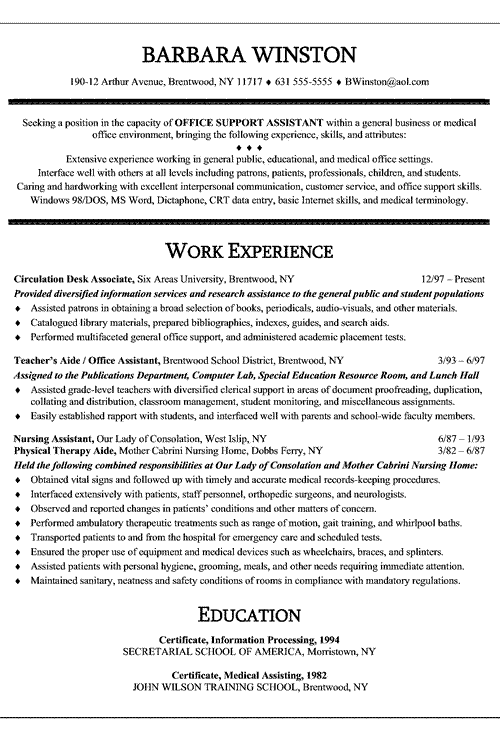
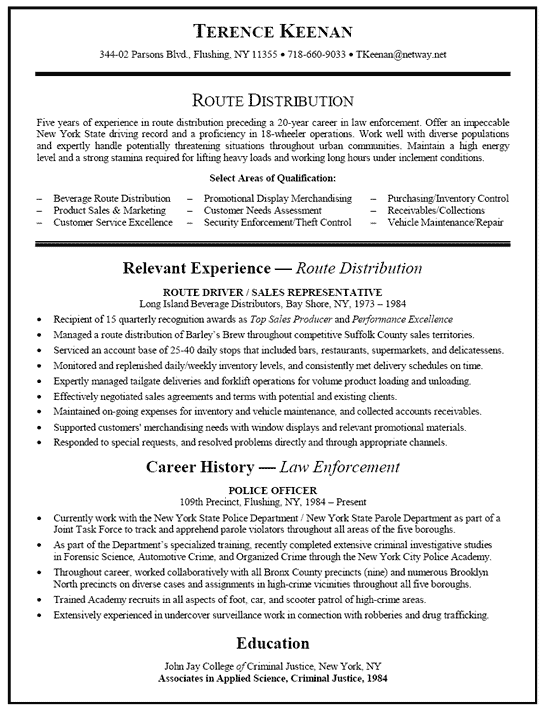
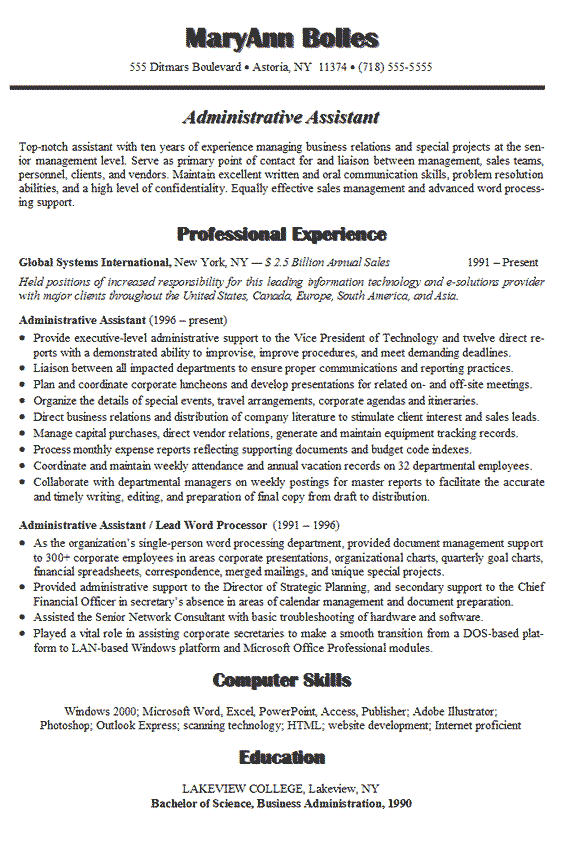
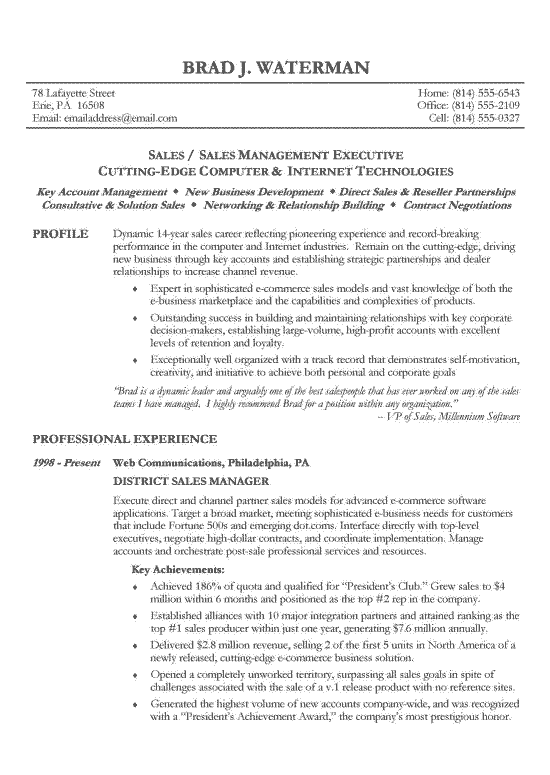
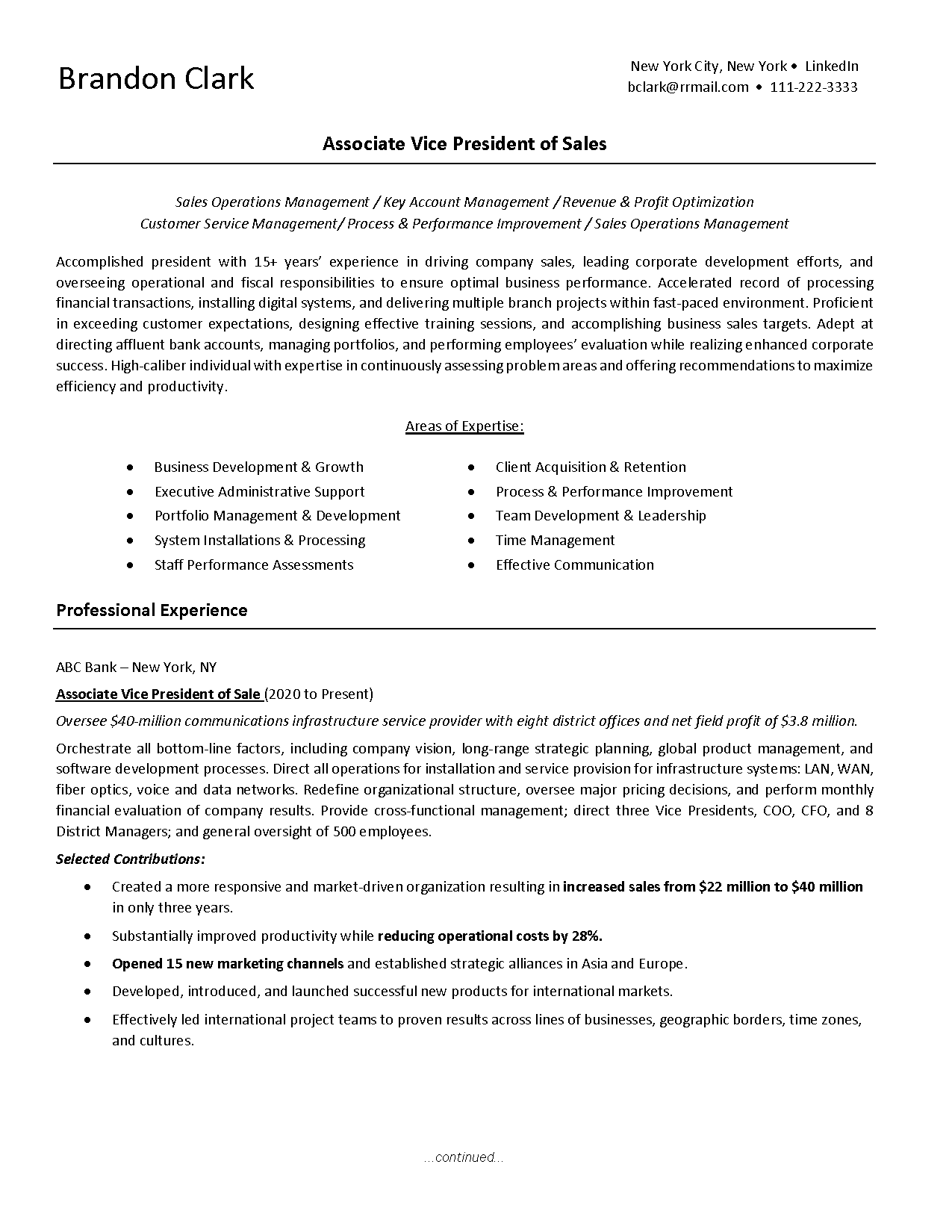
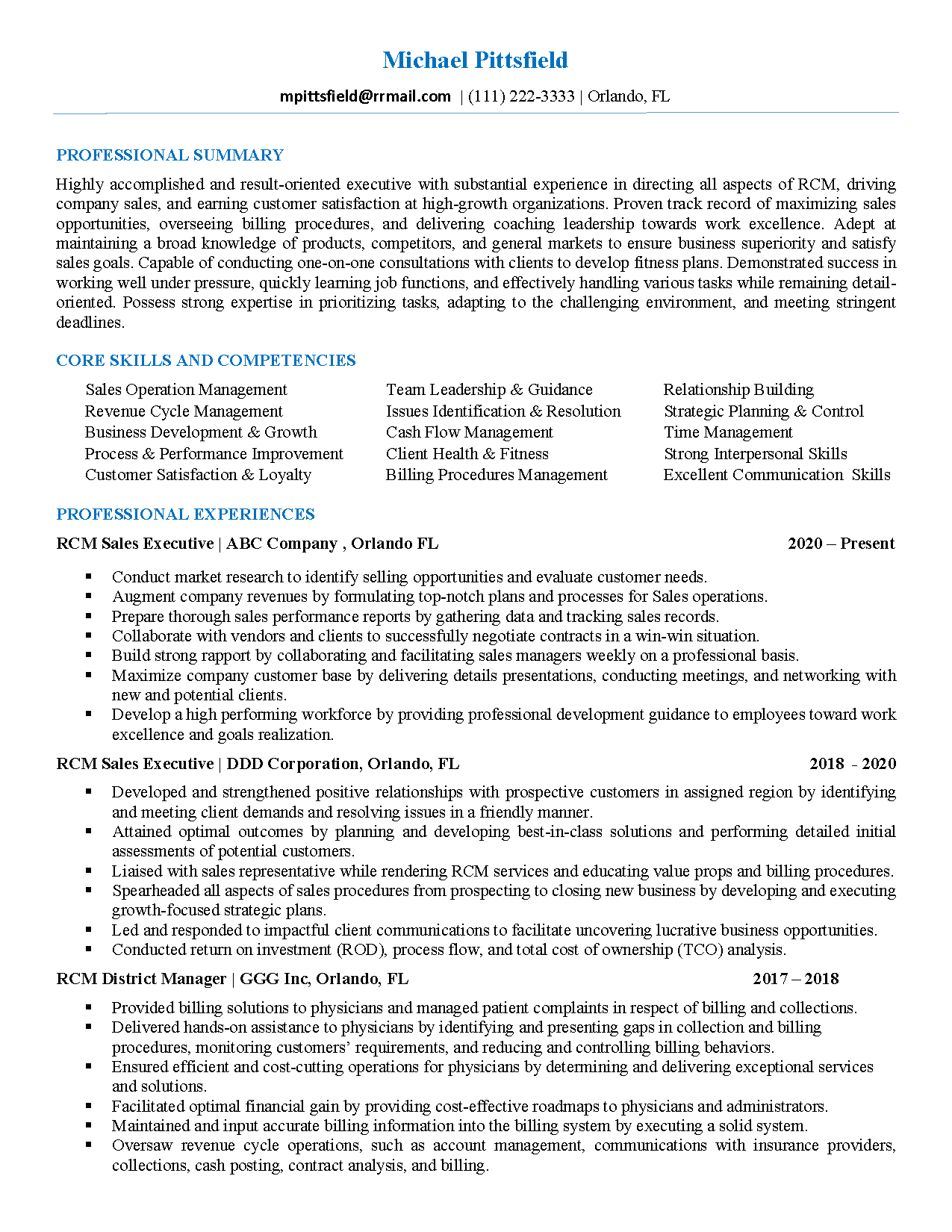
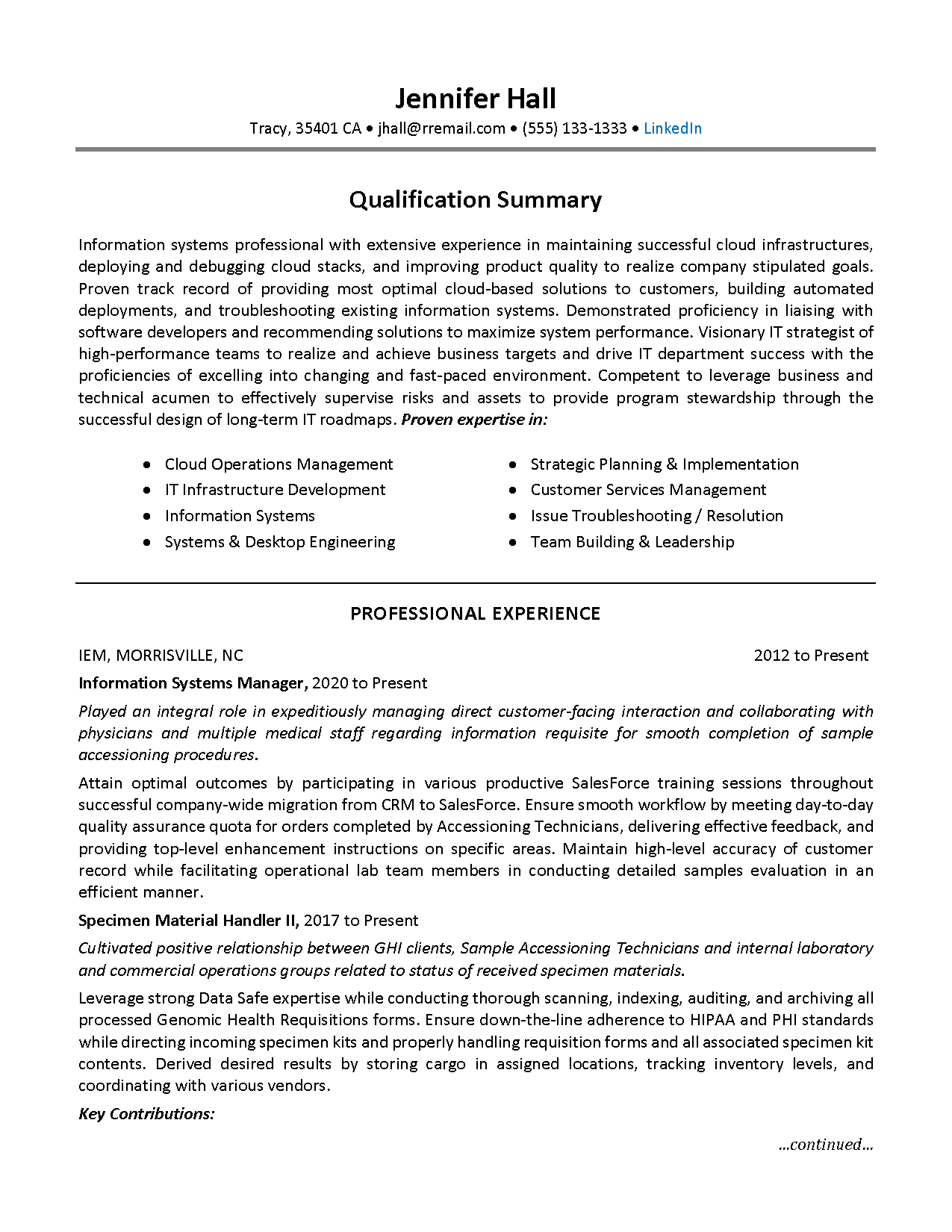
The chronological resume format is the most common and straightforward type of resume format. It lists your work experience in reverse chronological order, starting with your most recent job and working backward. This format is ideal for people who have a solid work history and are looking for a job in the same field.
When to use the Chronological Resume Format:
- You have a steady work history with no gaps in employment
- You are applying for a job in the same field as your previous work experience
- You want to emphasize your career progression and growth
- You want to showcase your relevant experience and accomplishments
Advantages of the Chronological Resume Format:
Easy to read and understand for employers
Demonstrates career progression and growth
Highlights relevant experience and accomplishments
Disadvantages of the Chronological Resume Format
- Emphasizes gaps in employment
- Does not showcase transferable skills
- May not be suitable for job seekers with limited work experience
Functional Resume Format
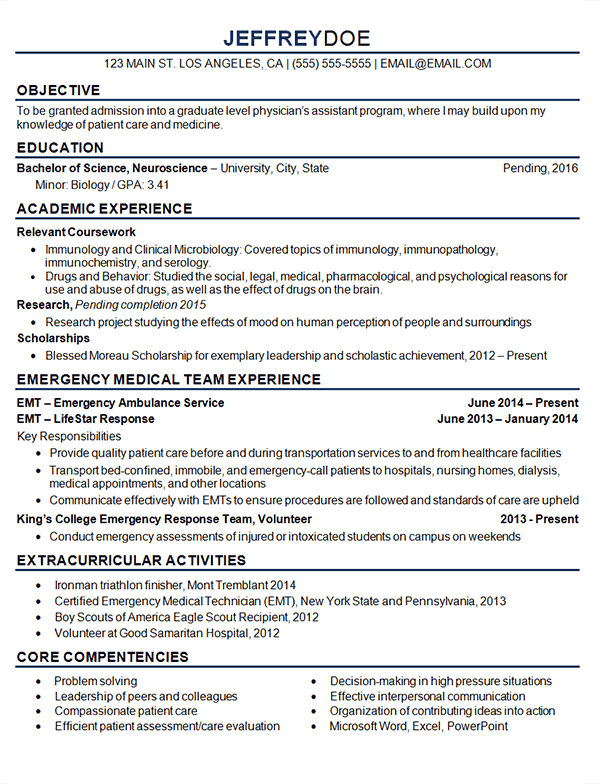
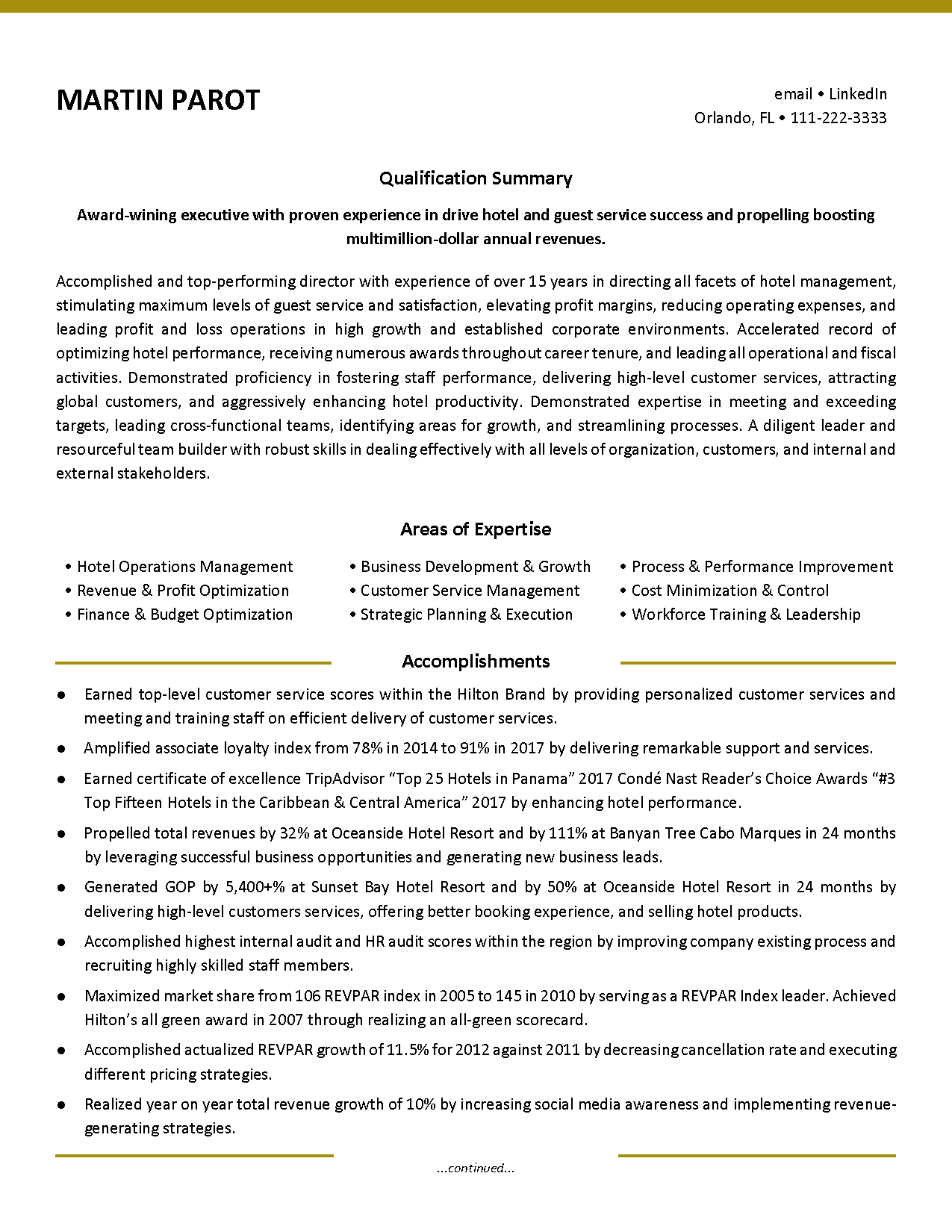
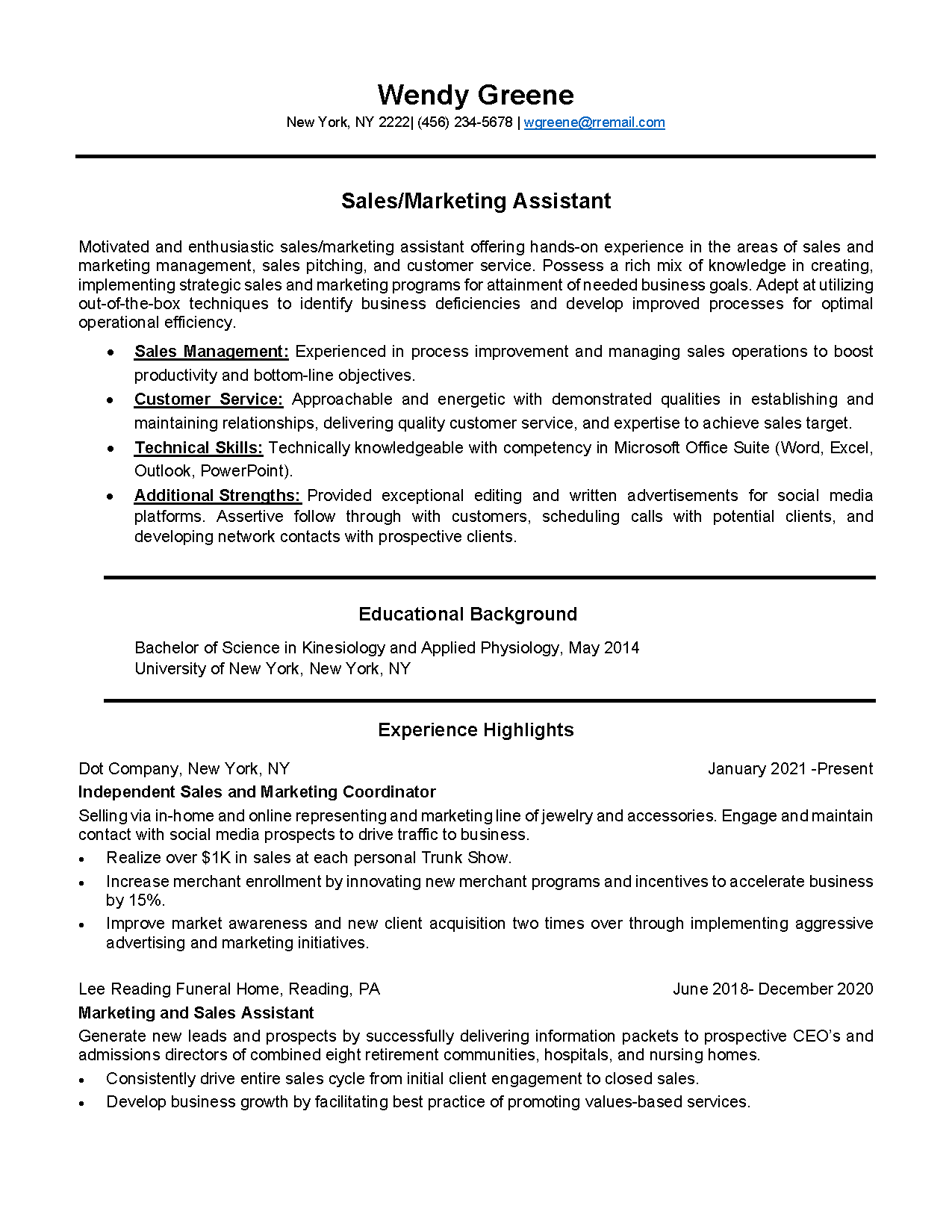
The functional resume format focuses on your skills and accomplishments rather than your work history. It highlights your transferable skills and shows how they can be applied to the job you are applying for. This format is ideal for people who are changing careers or have gaps in their employment history.
When to use the Functional Resume Format:
- You have gaps in your employment history
- You are changing careers
- You want to emphasize your skills and accomplishments rather than your work history
- You want to highlight your transferable skills
Advantages of the Functional Resume Format:
- Focuses on skills and accomplishments rather than work history
- Shows how your skills can be applied to the job you are applying for
- Minimizes gaps in employment
Disadvantages of the Functional Resume Format:
- Can be difficult to follow for employers
- Does not provide a clear career progression
- May not be suitable for job seekers with extensive work experience
Combination Resume Format
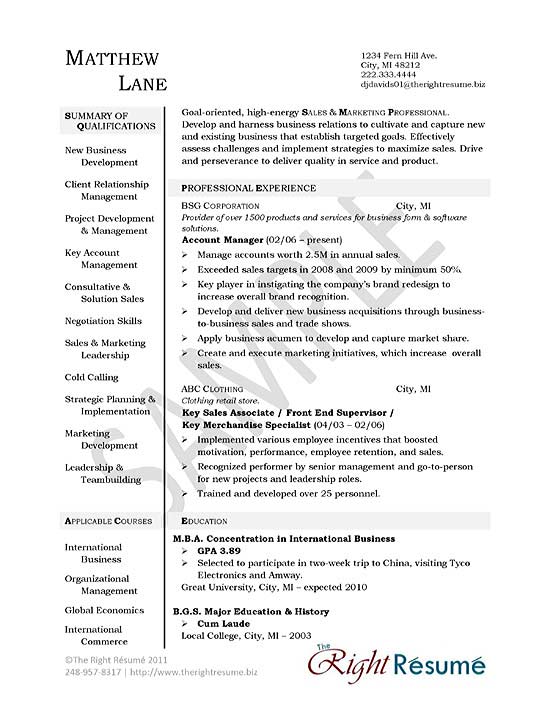
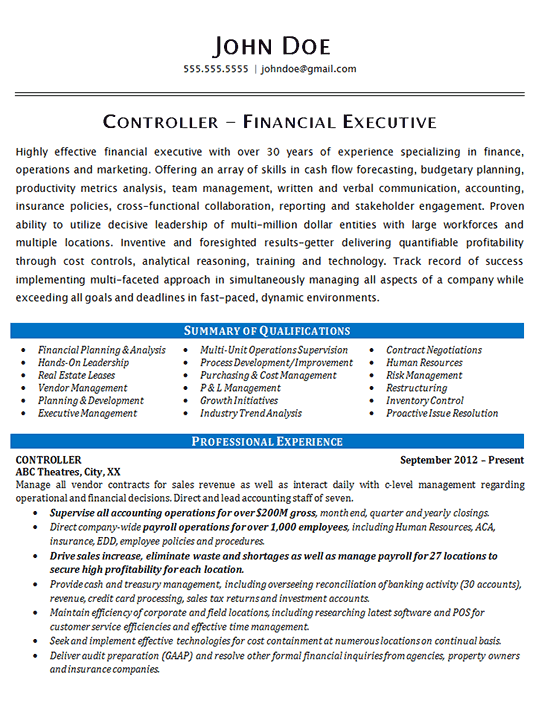
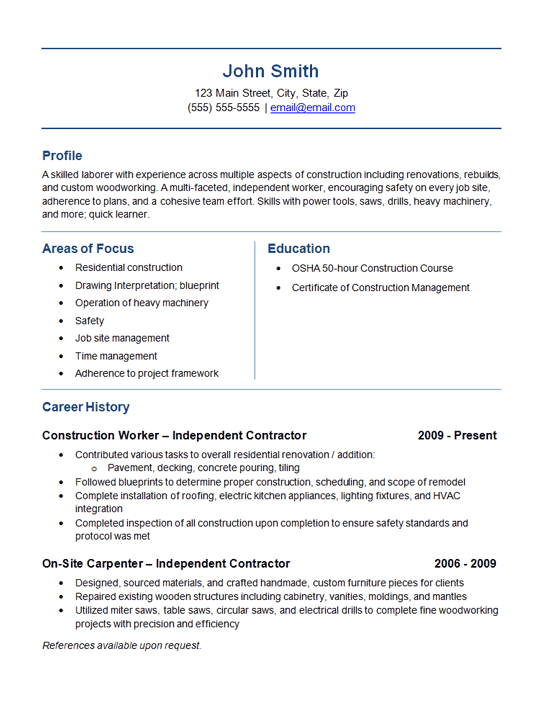
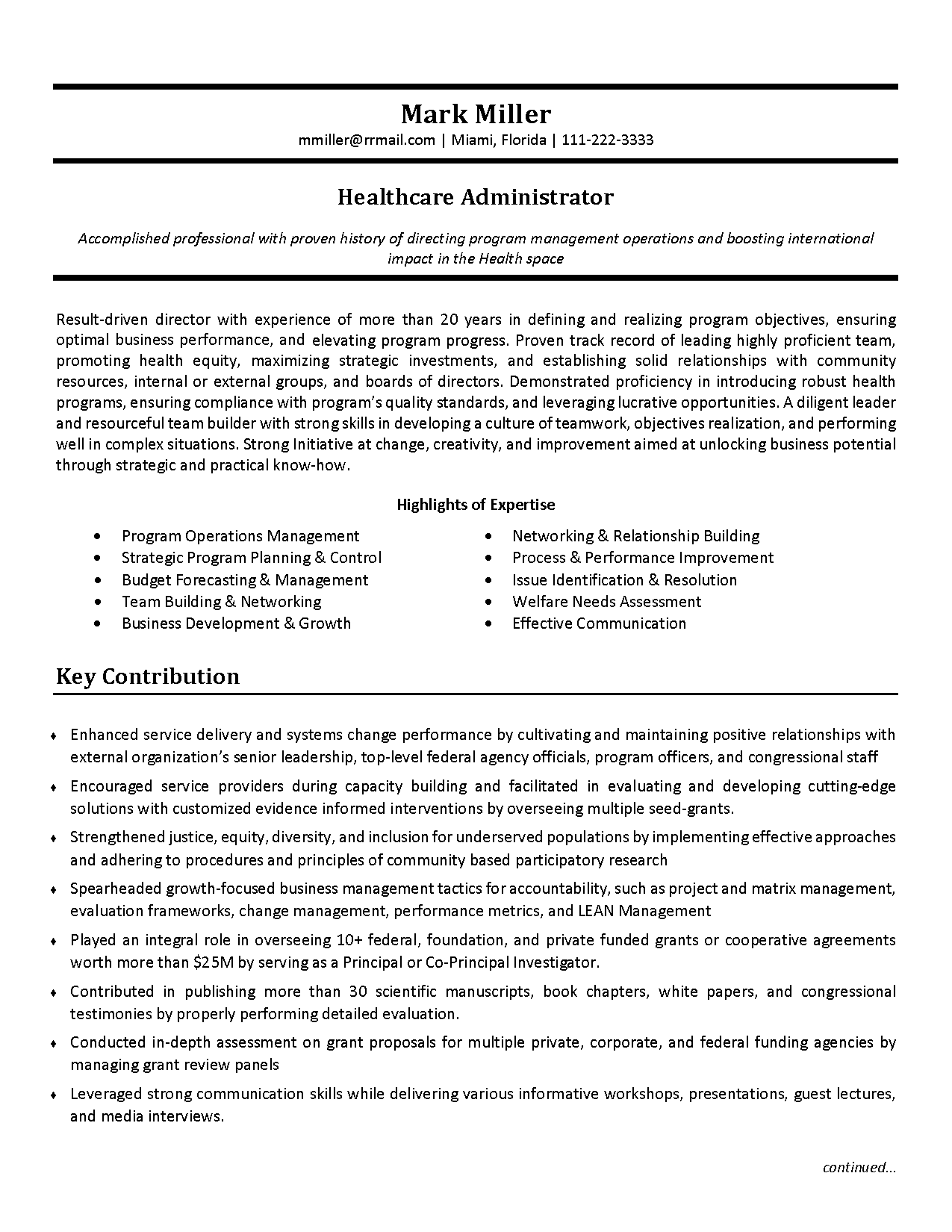
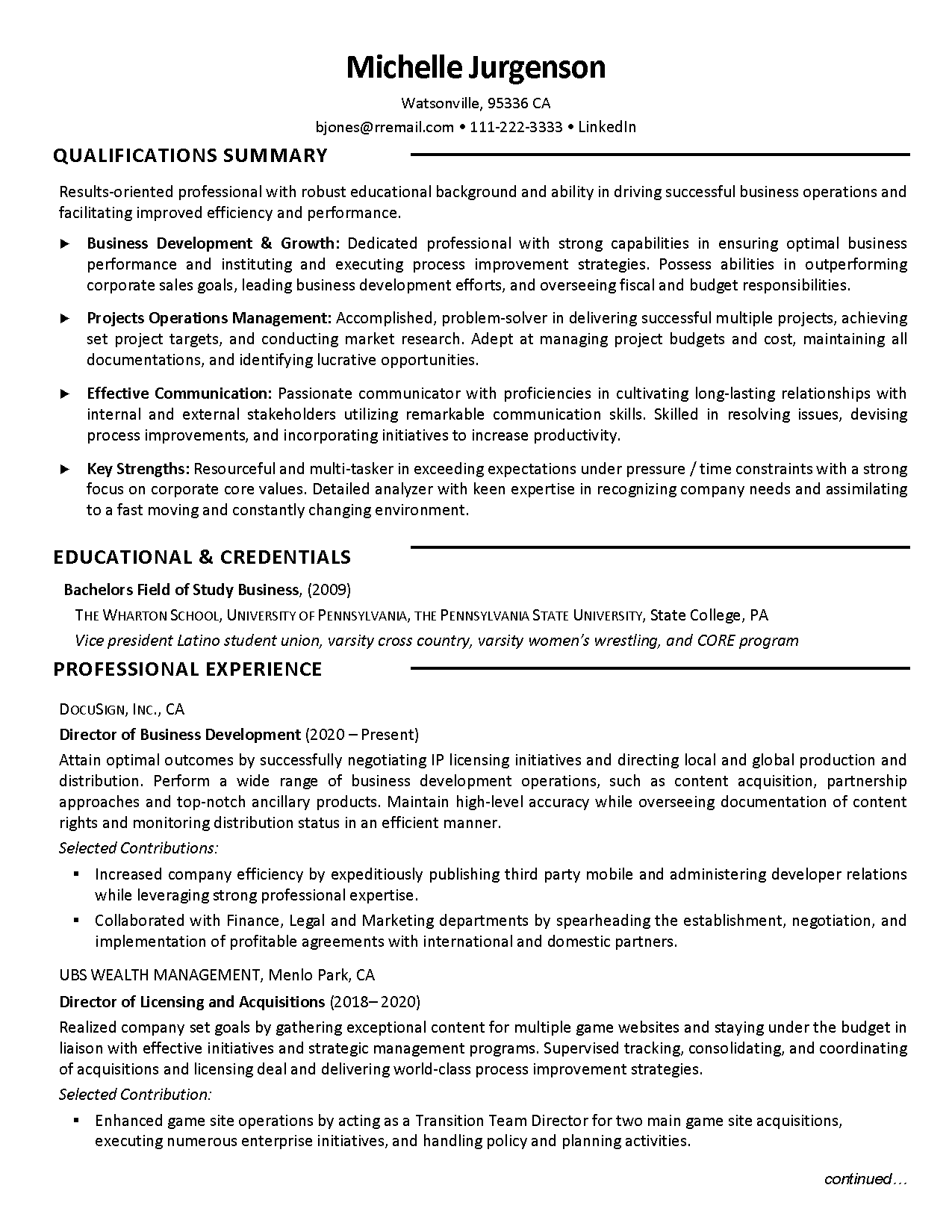
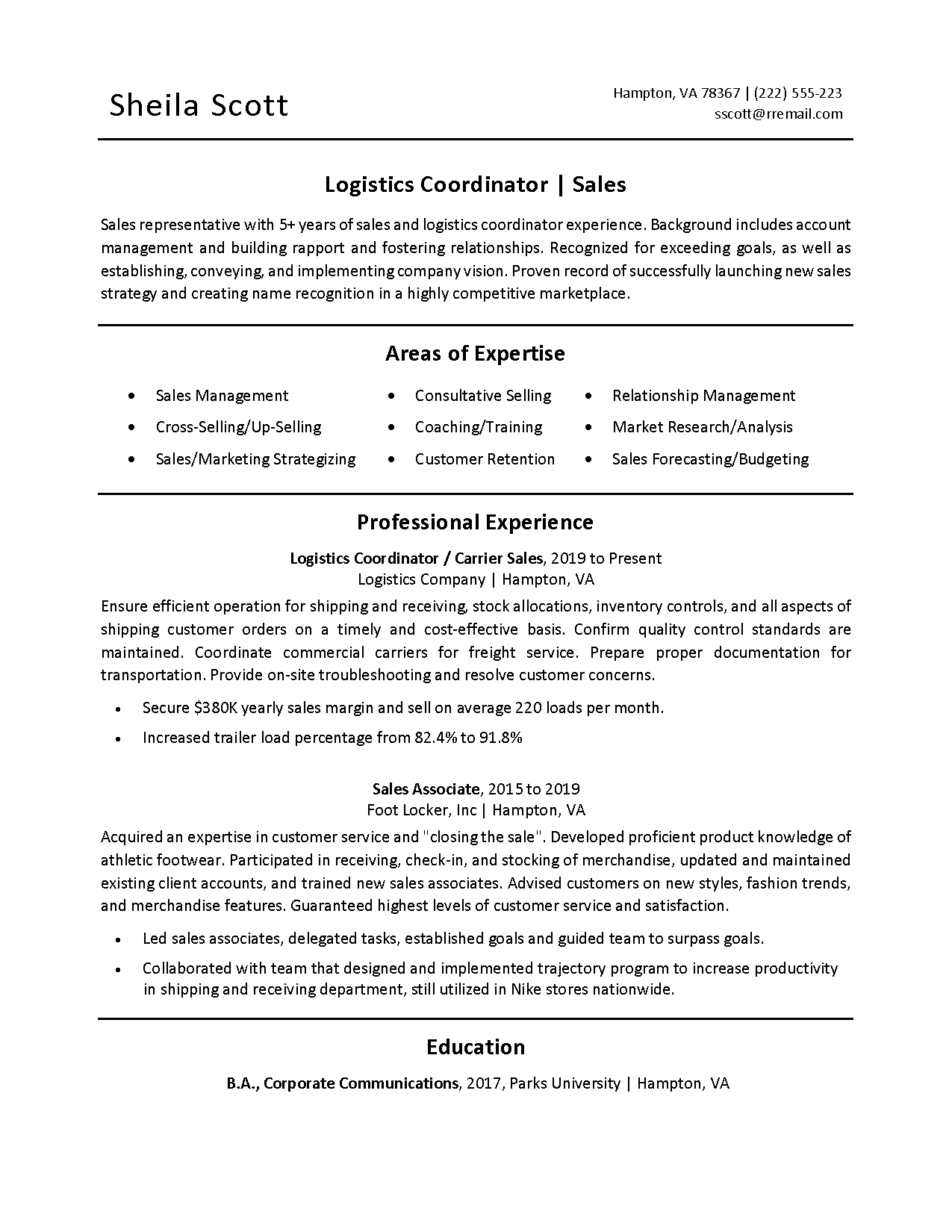
The combination resume format is a mix of the chronological and functional resume formats. It highlights both your work history and skills and accomplishments. This format is ideal for people who want to showcase their skills and accomplishments while also demonstrating their career progression.
When to use the Combination Resume Format:
- You want to showcase both your work history and skills and accomplishments
- You want to highlight your transferable skills
- You want to demonstrate your career progression
Advantages of the Combination Resume Format:
- Shows both work history and skills and accomplishments
- Highlights transferable skills
- Demonstrates career progression
Disadvantages of the Combination Resume Format:
- Can be difficult to balance work history and skills and accomplishments
- May be longer than other resume formats
- Can emphasize gaps in employment
Targeted Resume Format
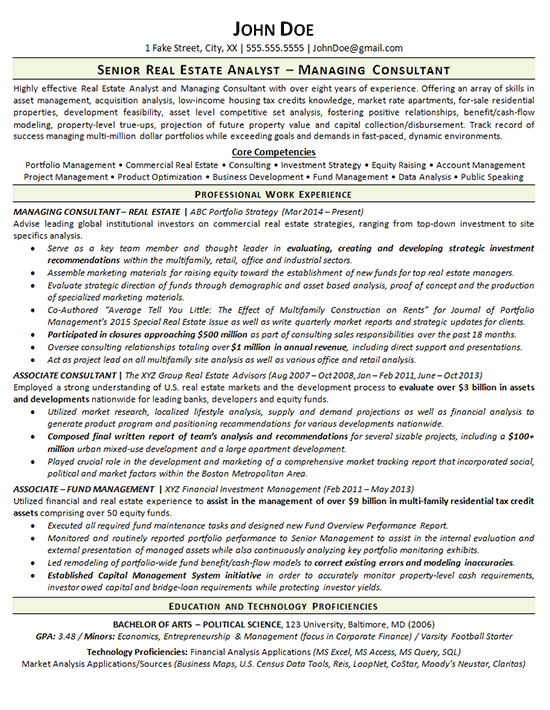
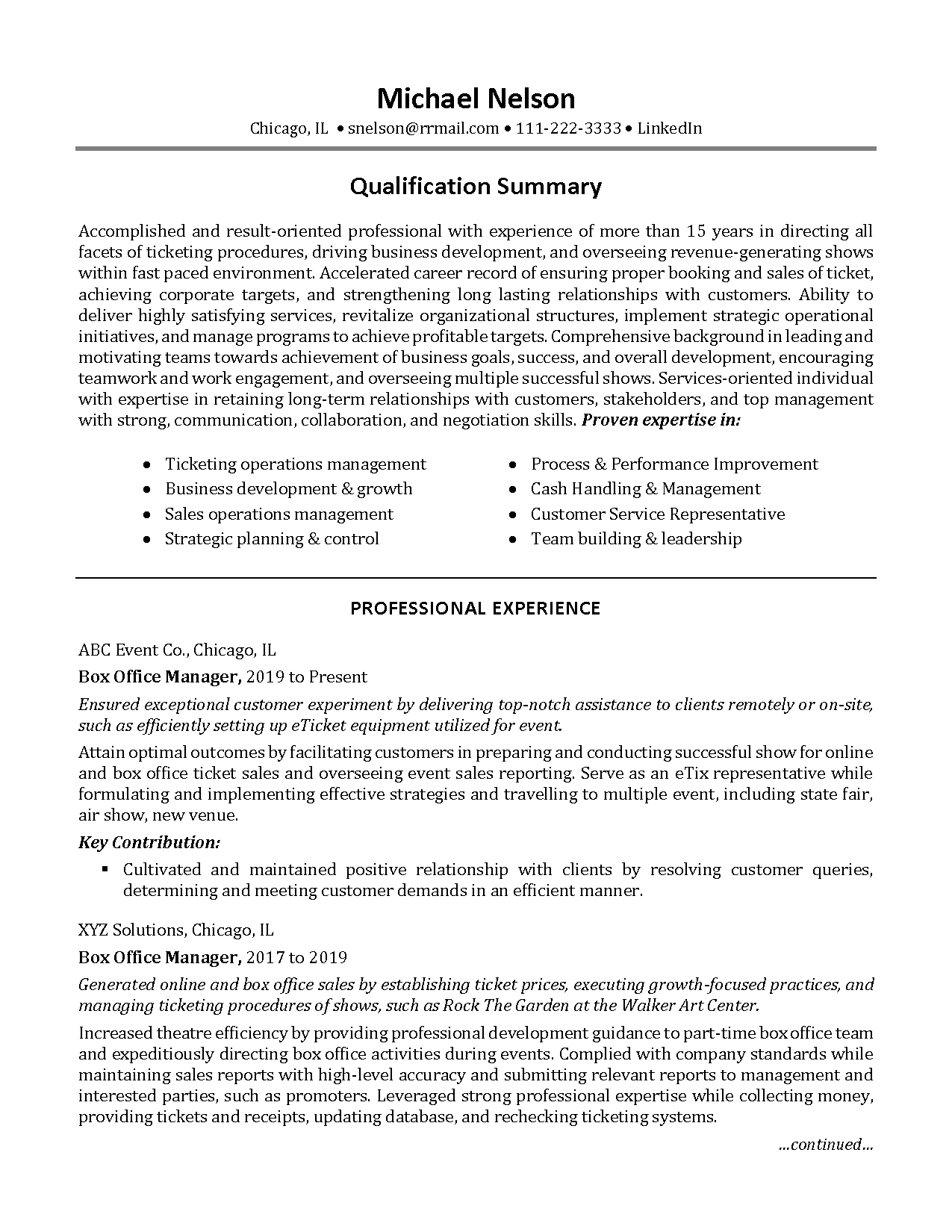
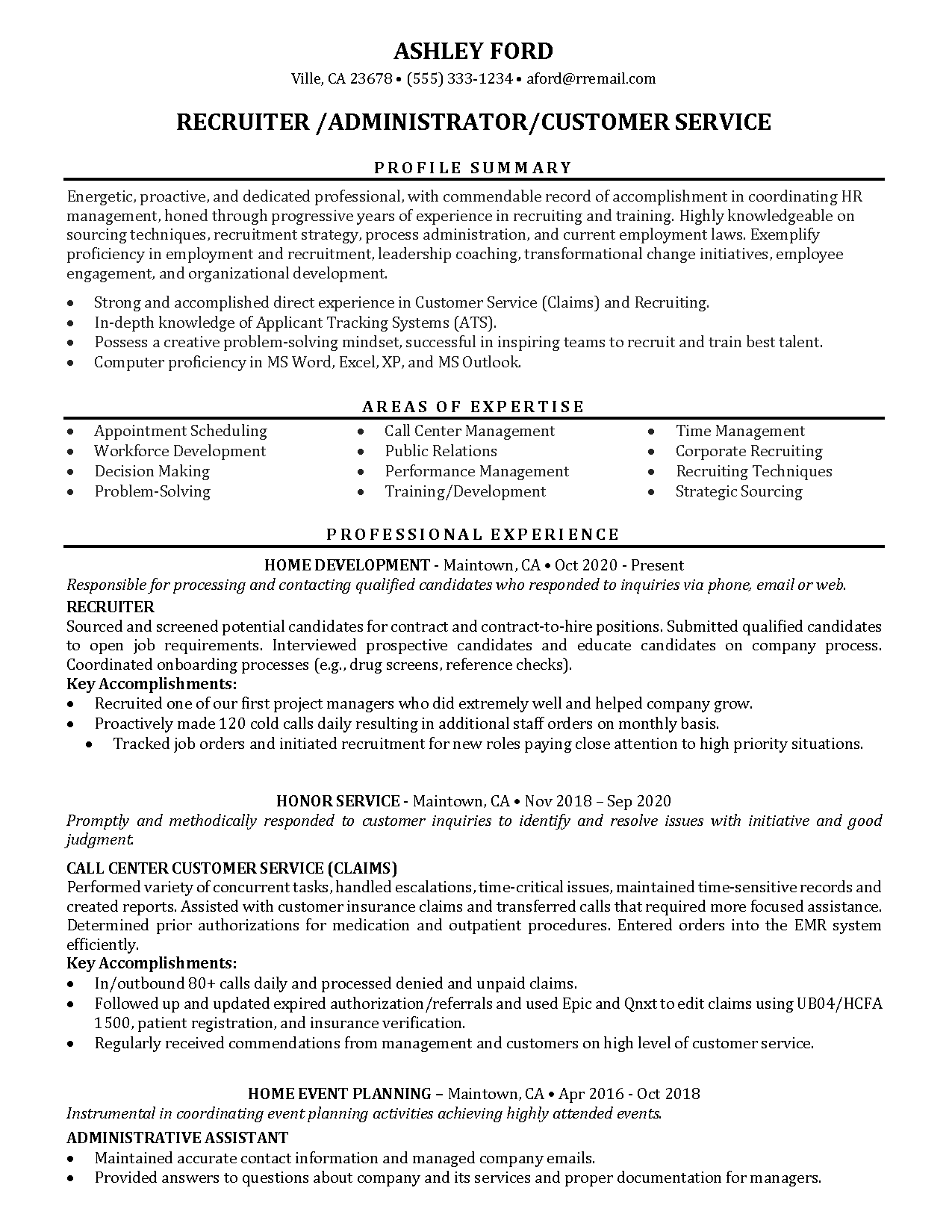
The targeted resume format is customized for a specific job opening. It focuses on the skills and experience that are most relevant to the job you are applying for. This format is ideal for people who want to make a strong impression on a potential employer and demonstrate that they are the best fit for the job.
When to use the Targeted Resume Format:
- You are applying for a specific job opening
- You want to showcase your relevant skills and experience
- You want to make a strong impression on a potential employer
Advantages of the Targeted Resume Format:
- Customized for a specific job opening
- Highlights relevant skills and experience
- Shows a strong fit for the job
Disadvantages of the Targeted Resume Format:
- May not be suitable for general job applications
- Can be time-consuming to create for each job application
- May require significant research and customization for each job application
Creative Resume Format
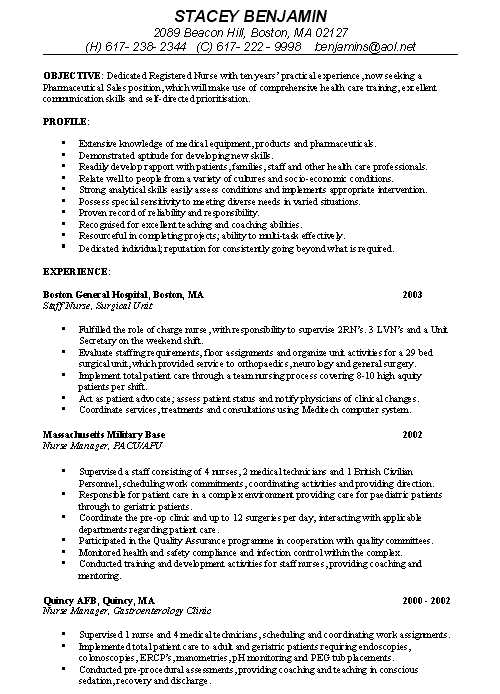
The creative resume format is a non-traditional approach to the standard resume format. It allows you to showcase your creativity and personality through unique designs and formats. This format is ideal for people in creative fields, such as graphic design, writing, or marketing.
When to use the Creative Resume Format:
- You are applying for a job in a creative field
- You want to showcase your creativity and personality
- You want to stand out from other applicants
Advantages of the Creative Resume Format:
- Allows you to showcase your creativity and personality
- Helps you stand out from other applicants
- Can be visually appealing and engaging
Disadvantages of the Creative Resume Format:
- May not be suitable for traditional or conservative industries
- Can be difficult to read and understand for employers
- May not be compatible with Applicant Tracking Systems (ATS)
Using Different Resume Formats – Conclusion
There are several different types of professional resume formats, each with its own strengths and weaknesses. The chronological resume format is the most common and straightforward, ideal for people with a solid work history in the same field. The functional resume format focuses on skills and accomplishments rather than work history, ideal for people changing careers or with gaps in their employment history. The combination resume format is a mix of the chronological and functional resume formats, ideal for people who want to showcase both their work history and skills and accomplishments. The targeted resume format is customized for a specific job opening, ideal for people who want to make a strong impression on a potential employer. The creative resume format is a non-traditional approach to the standard resume format, ideal for people in creative fields.
When choosing a resume format, consider your work history, skills, and the job you are applying for. Choose the format that best showcases your strengths and helps you stand out from other applicants.