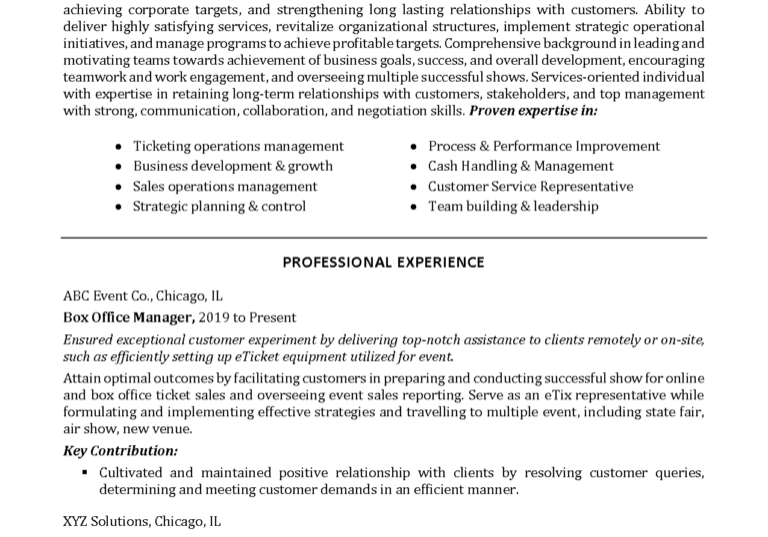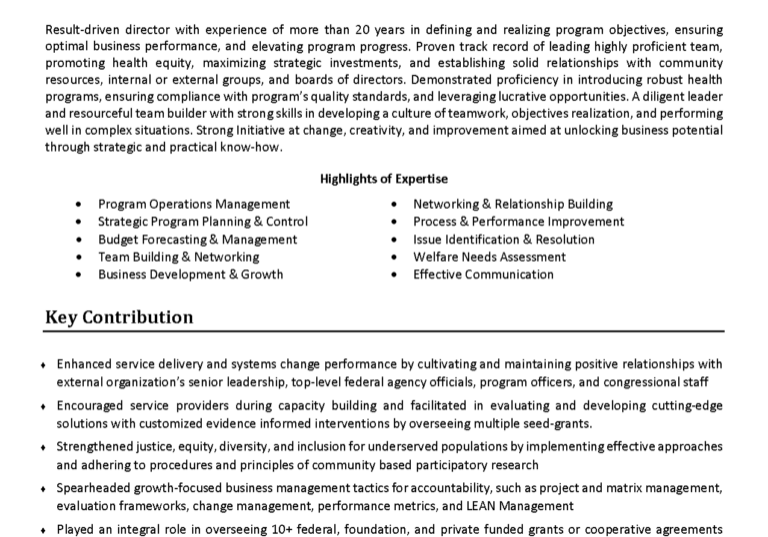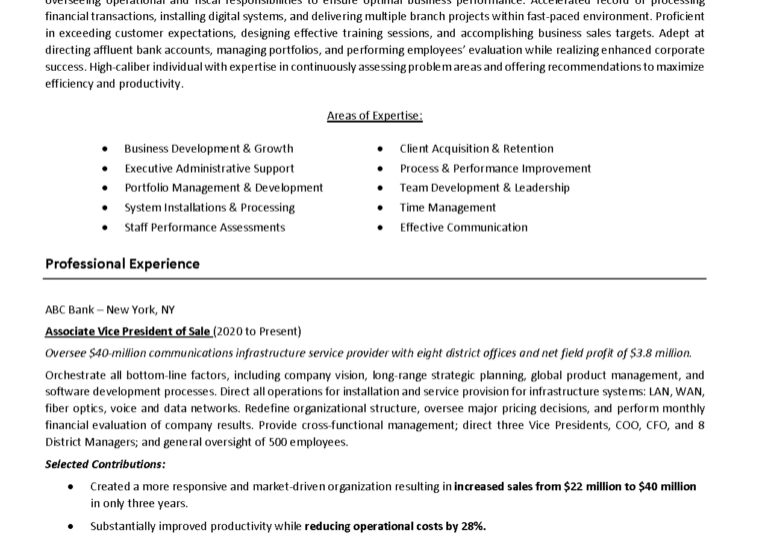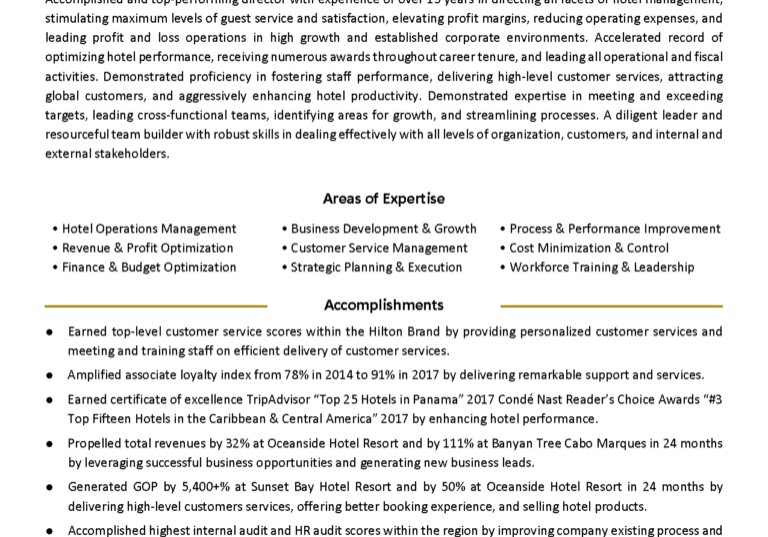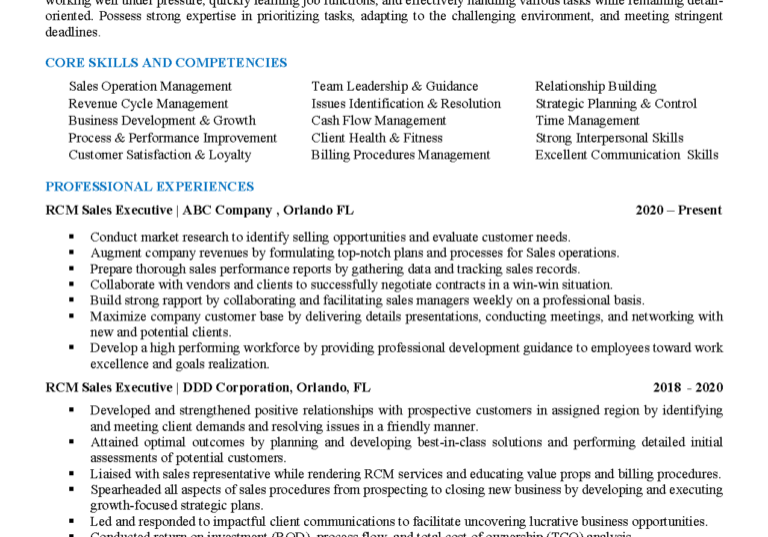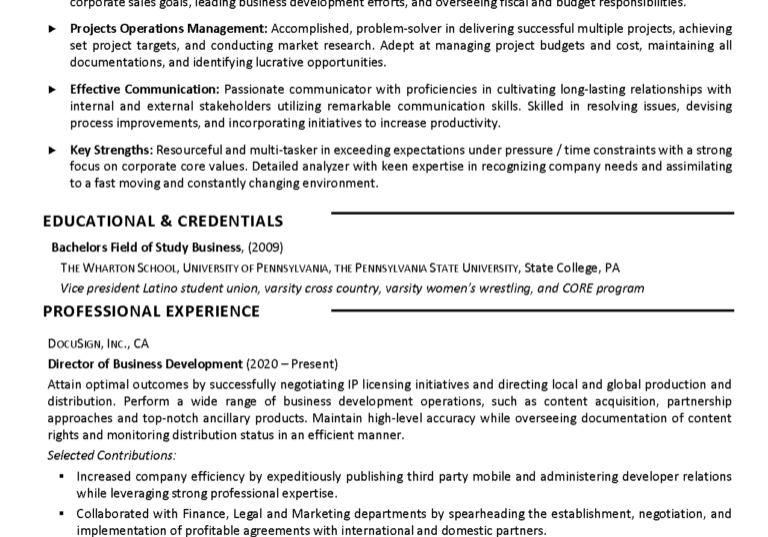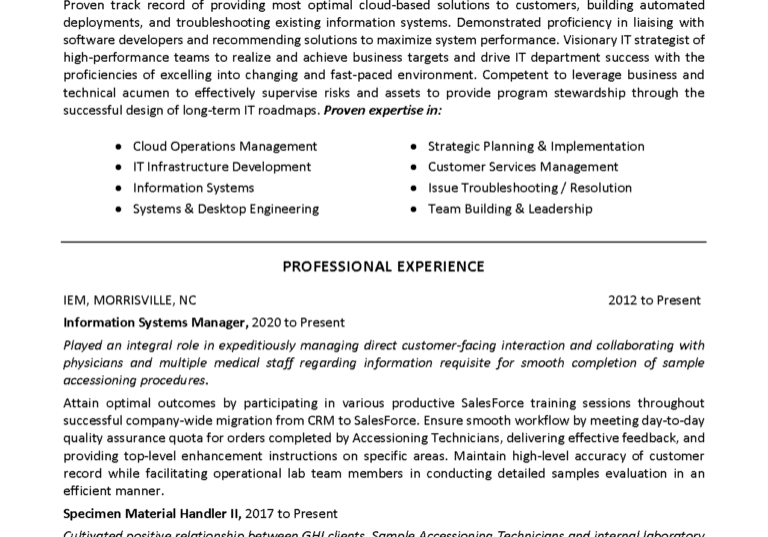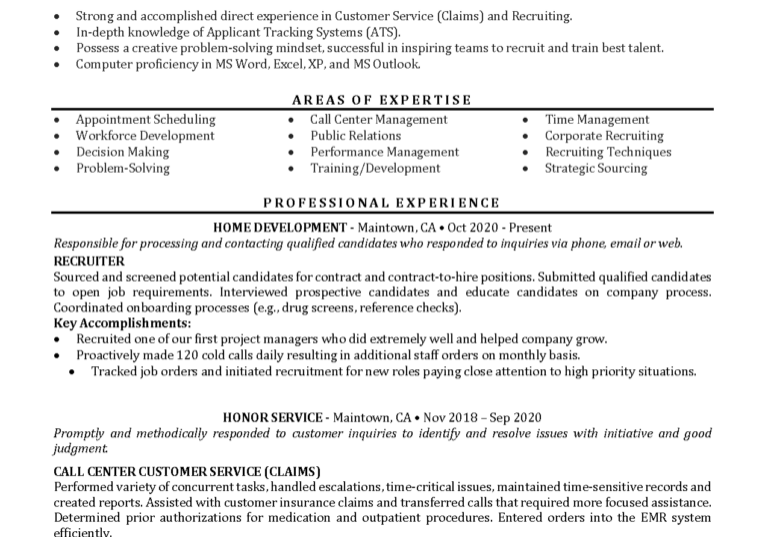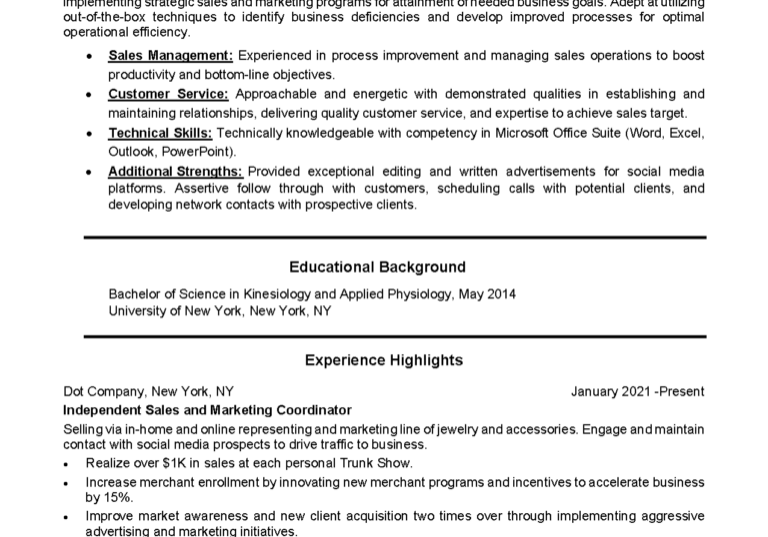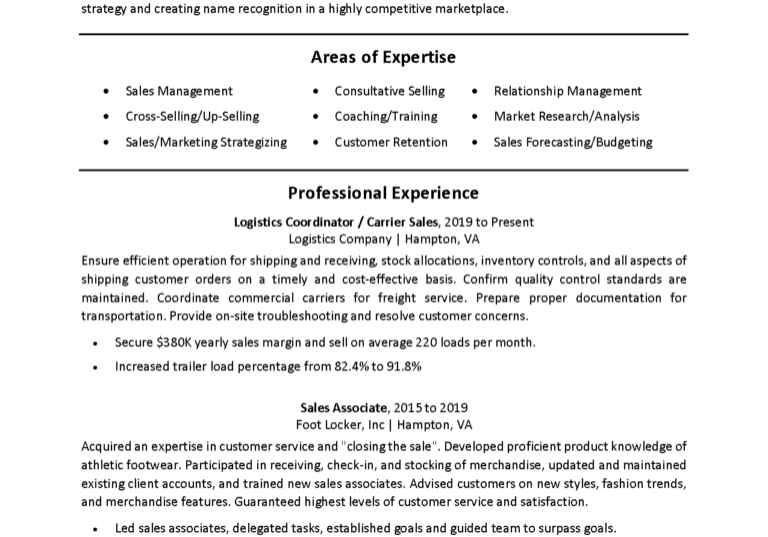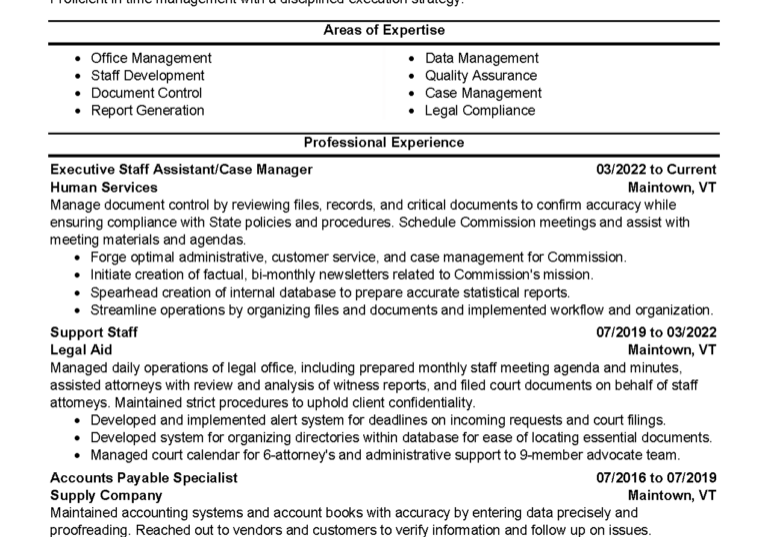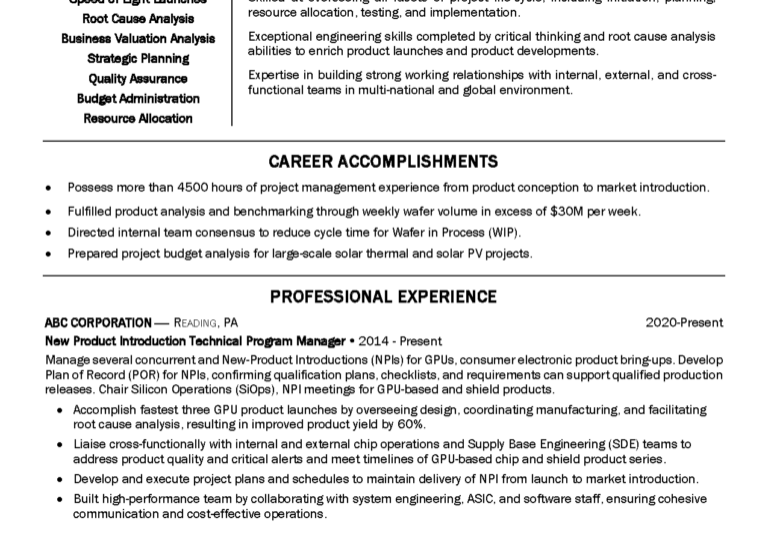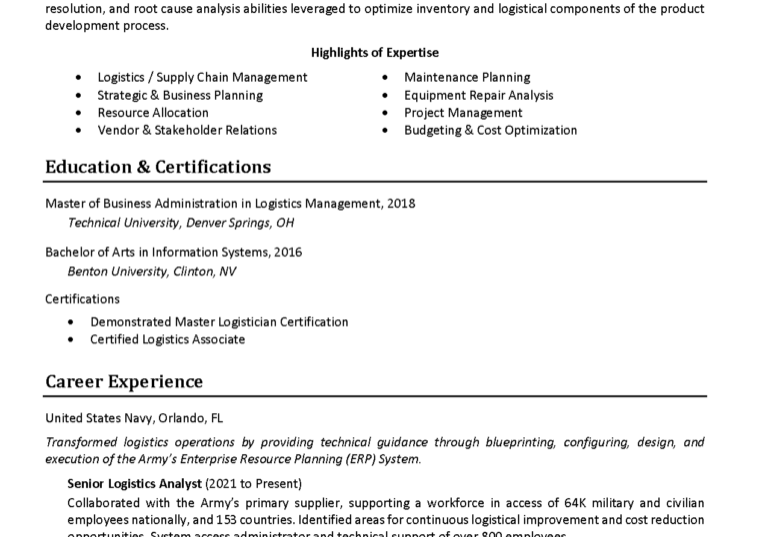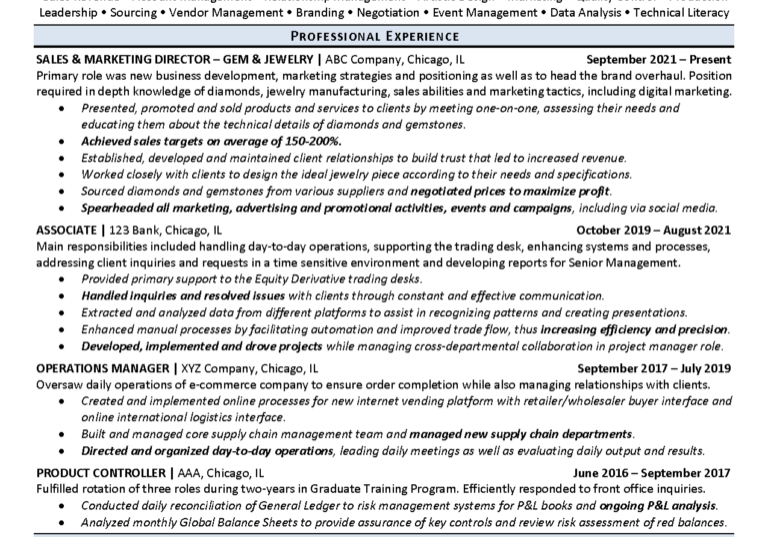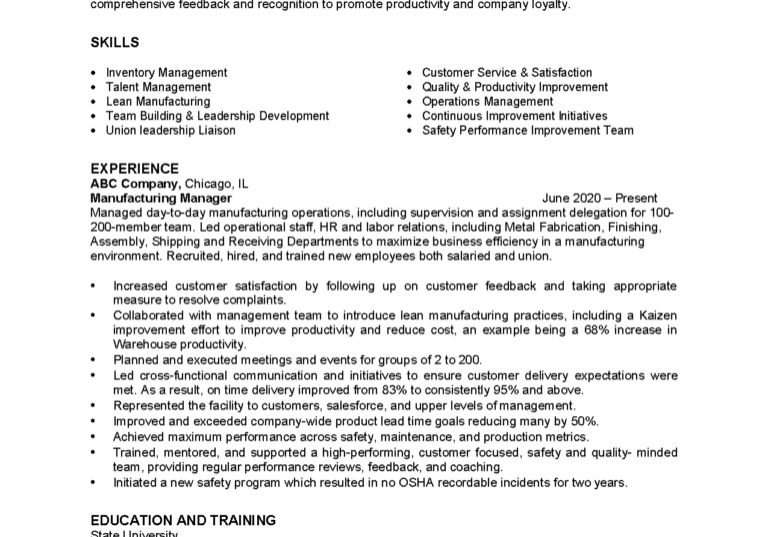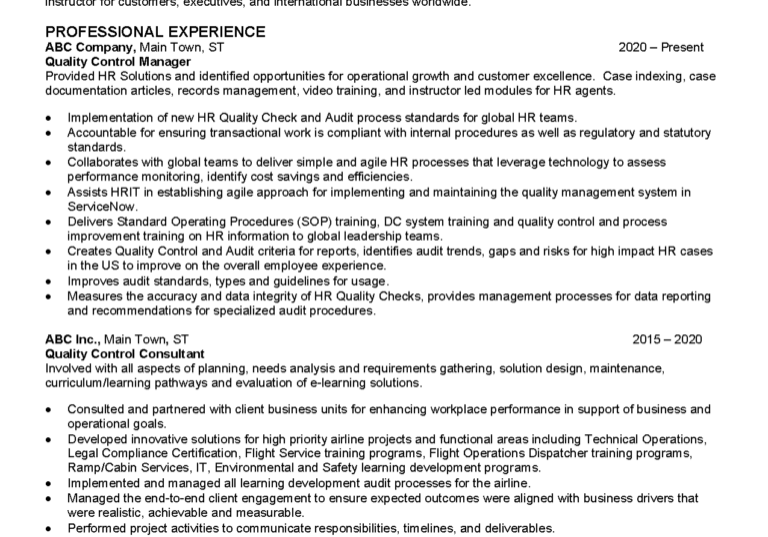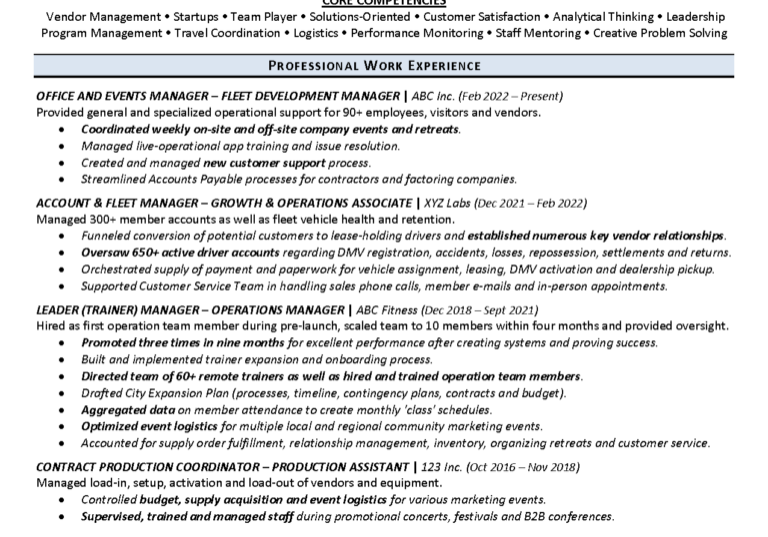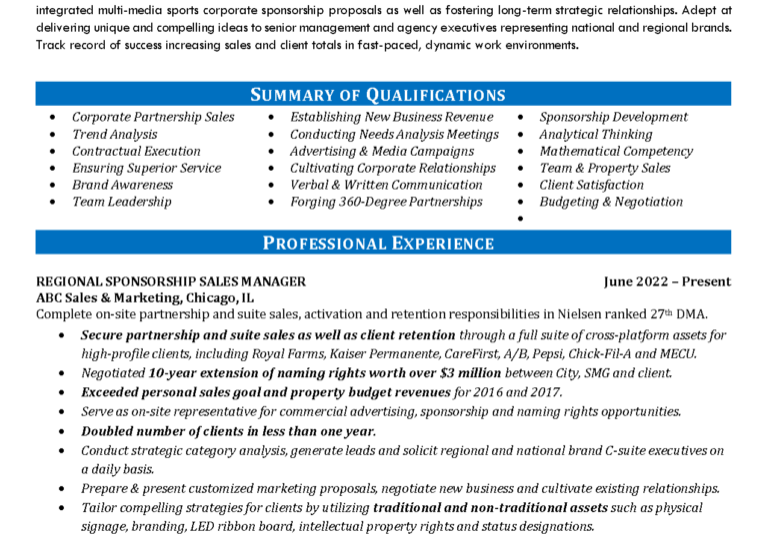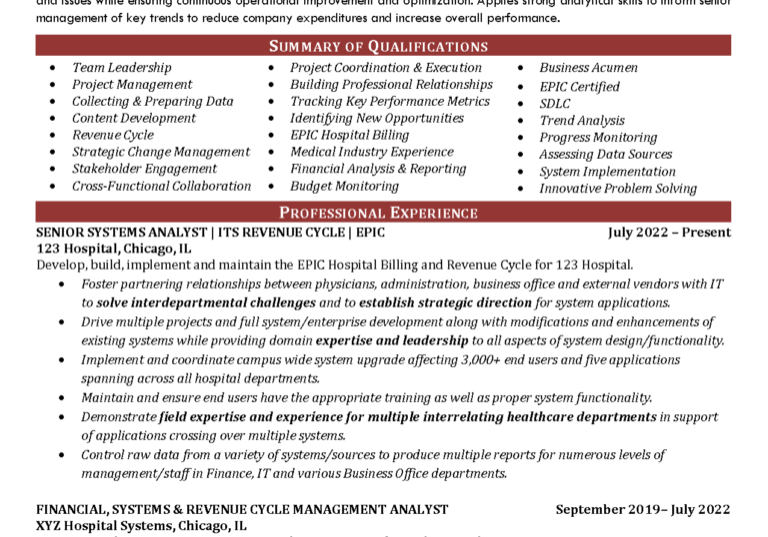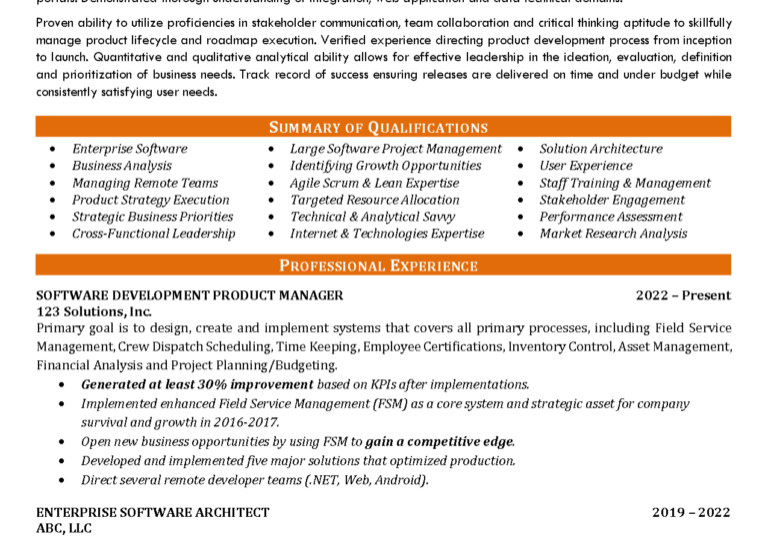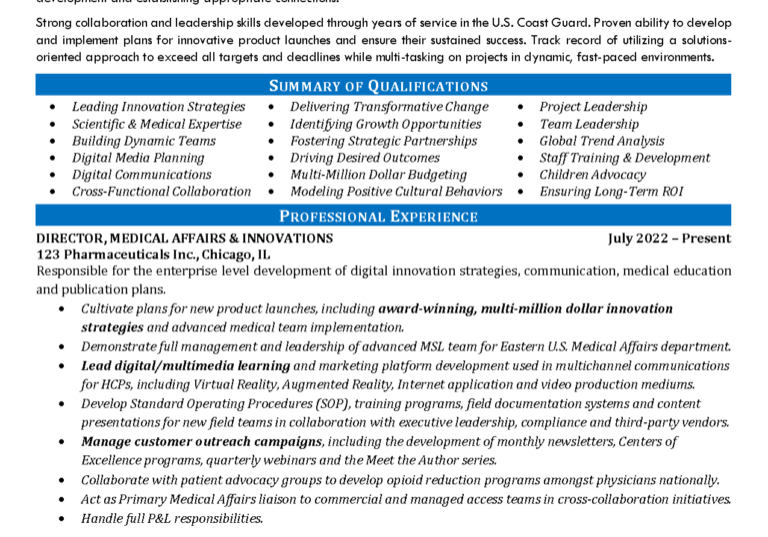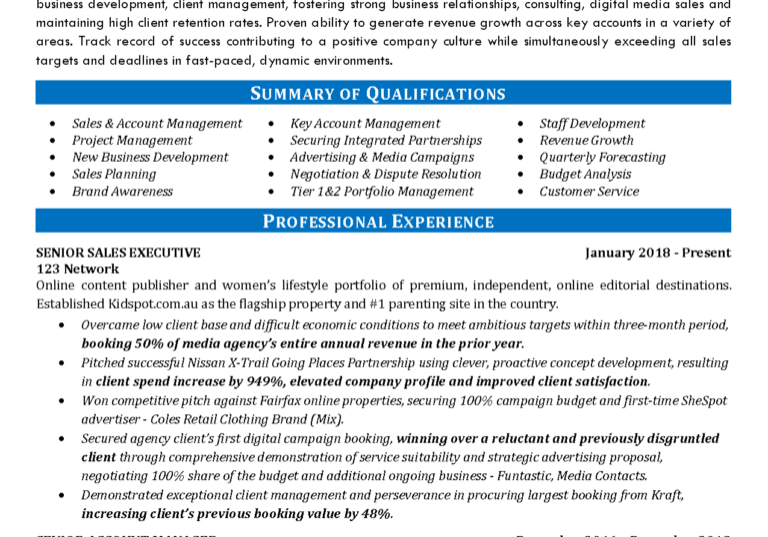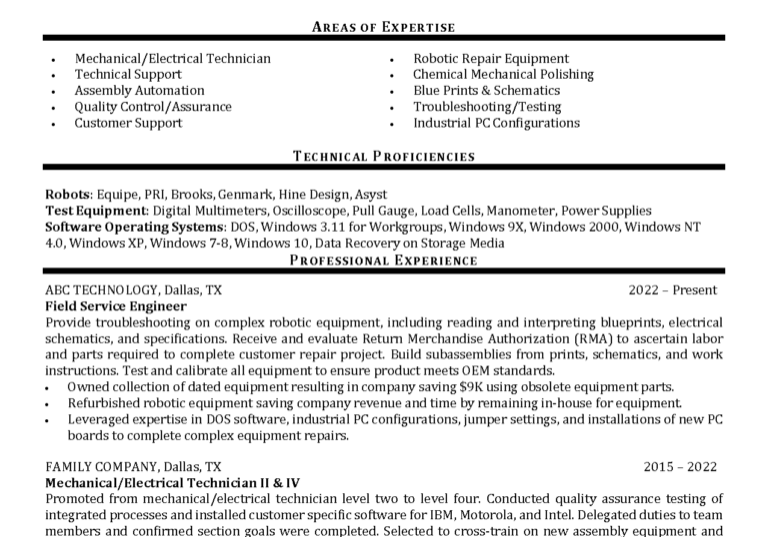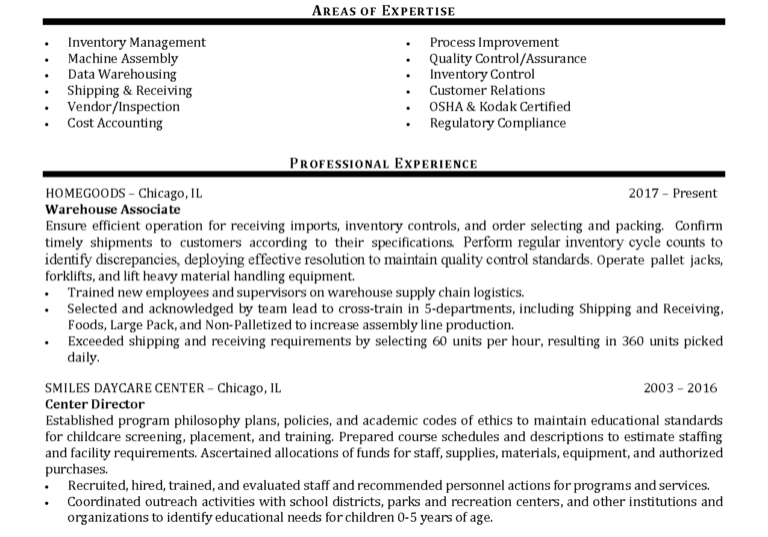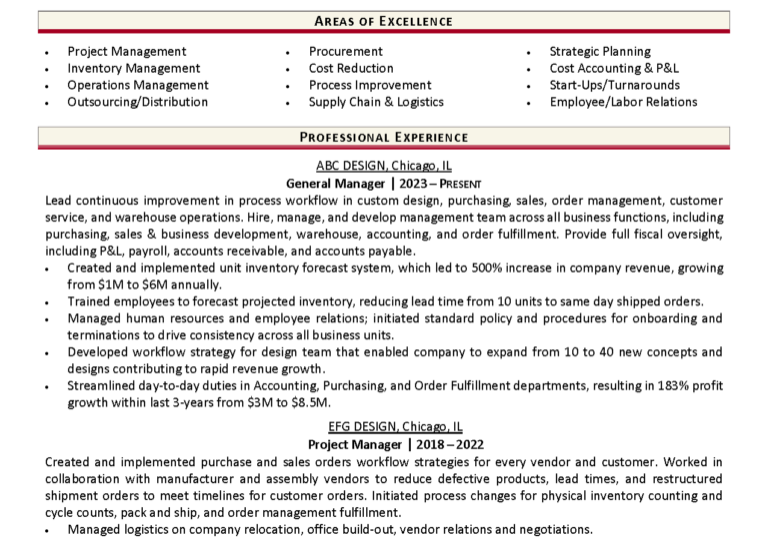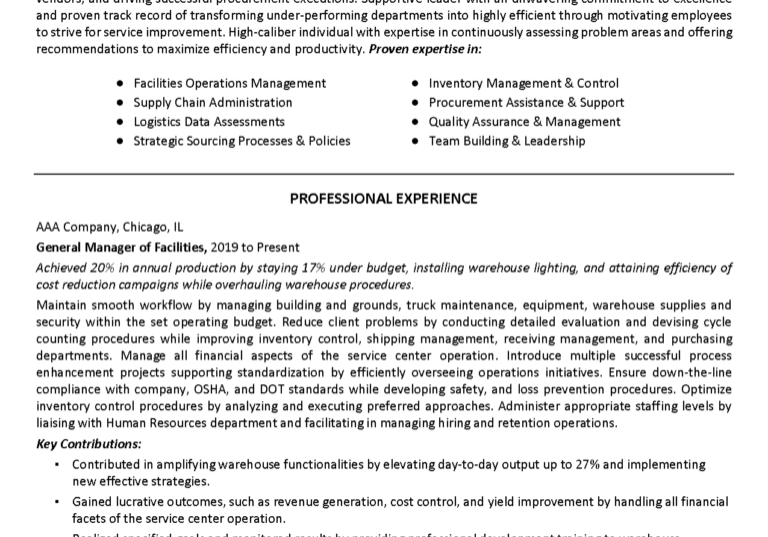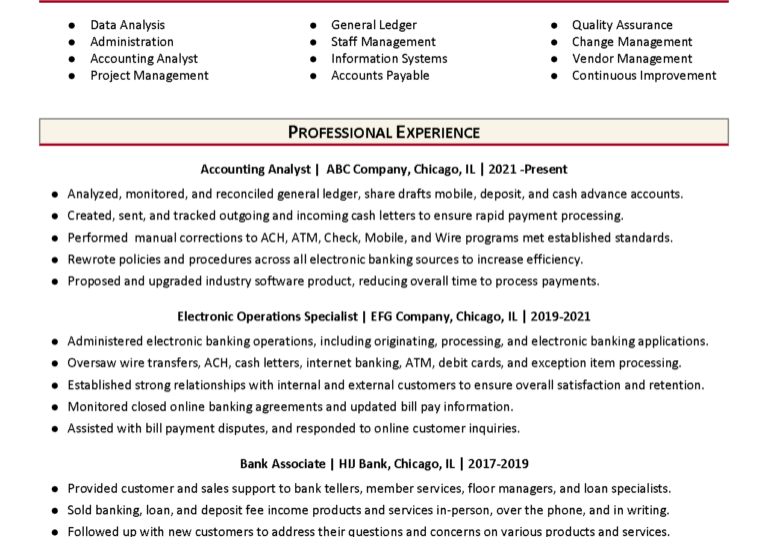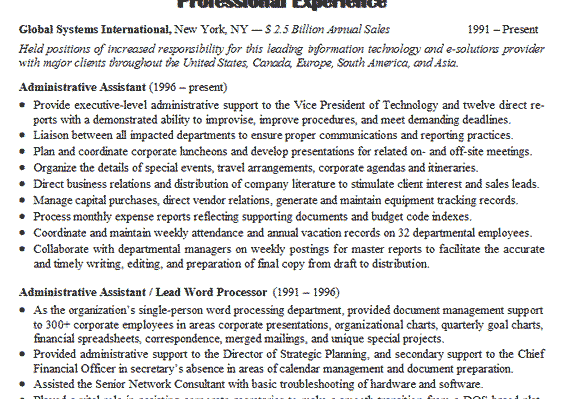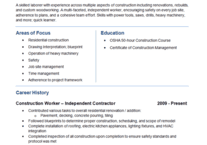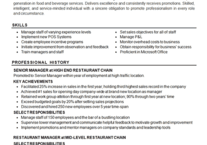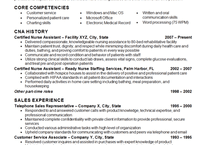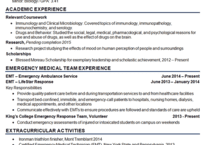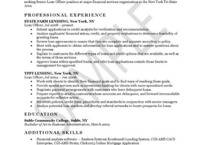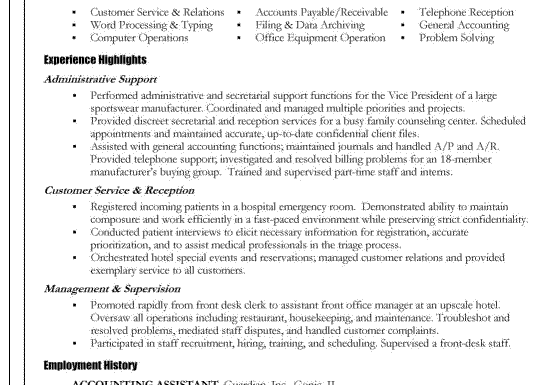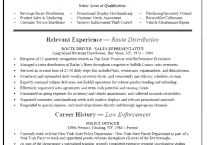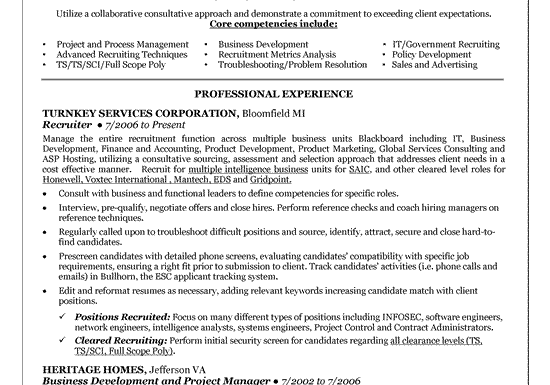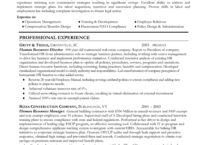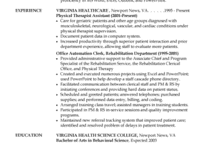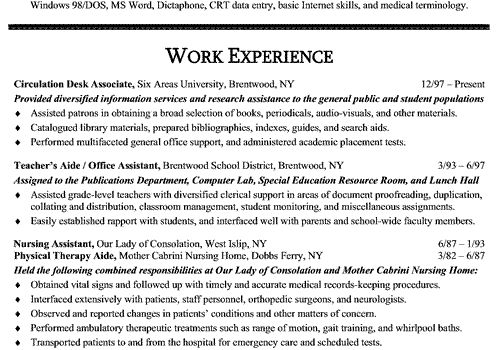
Online Resume Templates are generally considered word processing documents formatted and styled as a resume that provide a starting point for an individual to prepare their resume. In other words, the resume is already partially written with some basic material to accelerate the process.
Usually the template will have a heading laid out for contact information to be added. A summary section with some template statements may be included. At a minimum, the template will have headings for job experience and education.
The benefit of starting with resume templates is that you don't have to worry about typesetting, defining margins, formatting text, changing headings or spacing. The downside is that you still have to develop the content.
Online Resume Builders
The resume builders with can be beneficial in helping you prepare your document:
- Professional resume templates for hundreds of careers and industries.
- Unique Text Tuner TM allows you to choose from hundreds of expert-written examples.
- Choose the best resume format: chronological, functional or hybrid.
- Automated, easy to use step-by-step process.
- One-click designs to provide you with the professional look you desire.
- Ability to save the resume top go back to edit the resume anytime.
- Useful tips for writing various parts of the resume with job search advice.
- Start from scratch or upload your resume.
- Create as many resumes as you want. Create multiple versions of your resume.
- Generates resume in multiple formats (.doc, .rtf, .pdf, .txt, etc.)
- Access anytime, anywhere as long as you have an Internet connection.
Overall, this is a system that really does a lot to help you build a resume while leveraging quality professional resume templates. You can still use the samples and articles on this site to generate ideas for building summaries or phrasing statements throughout the resume. Incorporate this site along with the features of this package, and you can fairly quickly develop a unique resume and use the system to manage distribution.
The fee for this service is a very affordable. When you consider the average professional is using the resume to find a job in the $50k a year range, spending a small percentage of your potential salary shouldn't be stretching the budget. I've seen professional resume services that charge the same amount just to store a resume on their hard drive in case you lose it, so when you consider you can store multiple versions of your resume and track distribution, it's still a great value
More Tips for Using Resume Templates
Make sure that you don't copy statements word for word, use the statements as an idea, but a small adjustment will always help. At the same time, don't be afraid to use the introductory phrases (example -- Developed and managed team to....). If the resume templates include blanket statements such as "solid communications skills" don't be afraid to add your own twist. For example, you can say "solid communications skills from experience as sales representative and bank teller."
It's always a good idea to add a few statements under your previous work history, providing statements of responsibility and highlighting achievements.
Don't be afraid to change font size, especially if you are trying to keep it to one page. Don't go below 11 point font for the main text and at least make the headings one size larger in bold. You can always change margins if you start running out of room. In most word processing documents, you can find margins in the page setup section.
If you do choose to modify the format of resume templates, be careful not to go too extreme. The ideal font is Times New Roman, Arial or Sans Serif, but you are generally safe Calibri and Cambria. It's usually not a good idea to use fancy fonts, especially if you plan to distribute the document electronically. To be perfectly safe don't use colors. However, you can use colors if you are subtle. It can sometimes be effective to color your name or headings or titles. It can make the resume just slightly stand out without being tacky. If you do use fancier fonts, then convert the word processing document to a PDF so the style will stay embedded.